Your company will have been provided with its own, private account and one or multiple workspaces depending on your needs. This is where your product SKU inventory data is managed, impact reports are created, and modelling performed.
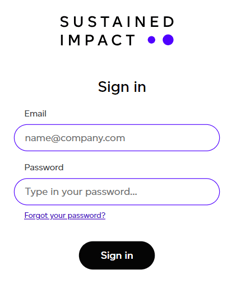
In order to access your company's account you will need to sign in using the credentials that were provided to you.
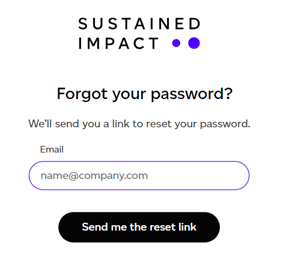
If you have forgotten your password, all you have to do is click on 'Forgot your password'. This will prompt you to enter your email address and a link to reset your password will be sent to you.
A few things worth knowing:
- The reset link works for one hour. If you ask for more than one email, only the link in the newest one works.
- Not verified yet? If your email address has not been verified, the verification link is sent again instead. Click it, then sign in with the password you chose when you signed up.
- Temporary password from our team? Sign in with it and you will be asked to choose your own. If you cannot find it, email help@sustained.com.
- Too many attempts lock an account for a few minutes. Wait, then try again or reset your password.
- Access ended? An assurance user whose access end date has passed can no longer sign in. Ask the organisation's administrator if it should be extended.