To switch between workspaces, click the workspace name at the top of the left rail. This opens a menu showing the active workspace, a link to its settings, and any other workspaces you can switch to. Click one and the page reloads into it.
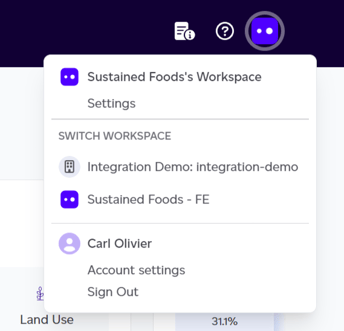
If you only belong to one workspace, the menu shows that one and its settings, with nothing to switch to. Your own account and sign-out live separately, under your name at the bottom of the rail.
The elements within the Supply chain section are shared across all workspaces within your company. However, the dashboard, products, and volume features are specific to each individual workspace.