

Get impact data from your suppliers, without the spreadsheet chase.
Ask suppliers item by item about what you buy, and use what they send through the Impact Registry: their figure replaces the proxy in your model. Where there is no supplier data yet, the AI reads their spec sheet.
Raw materials · provenance
38% first-party data
212 lines · 41 suppliers publish · 9 requests open
Invert the data collection project.
- 01
Start from what you buy
The Registry attaches to your raw materials and supplier list, with a supplier data status on every row. Figures not yet on an item wait under Unassigned, with a suggested home by GTIN, code or name. You confirm every match.
- 02
Ask a supplier, item by item
From a raw material or your supplier list, or import your purchasing list and ask about up to 500 items in one request, each answered on its own. A Sustained customer answers in the app. A supplier not on Sustained answers on a free form, and its answer goes only to you. You review it before you use it.
- 03
Use it, or bind a purchased good to it
The Use sheet shows what changes before anything is written. Binding makes the listing stand in for a purchased good's model. When the supplier republishes, the row shows Update available. Nothing changes until you choose Apply update.
- 04
Read the provenance on every line
Primary, registry, override or secondary, as a ladder on each raw material and a SUSTAINED REGISTRY badge on every report line that used it, naming the publisher.


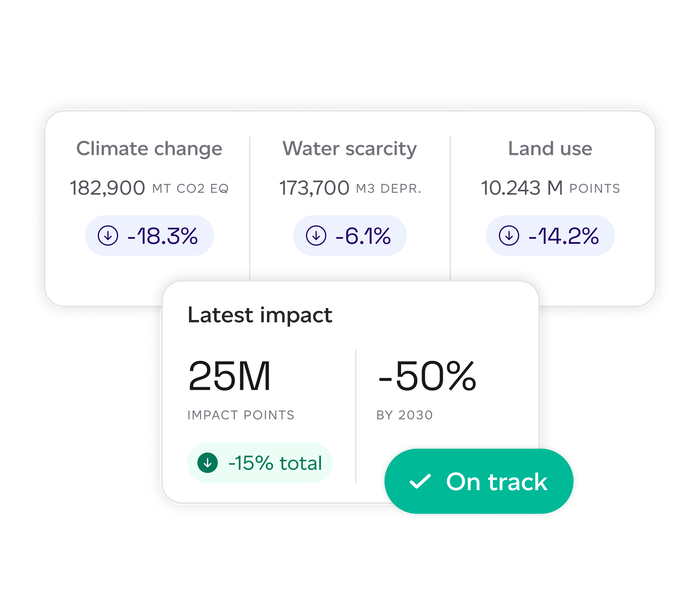
Supplier data that lands in your model, not in your inbox.
- Registry requests and listings
Ask by item, see what changes before you use it, and whether it is usable in reported footprints, decided by the relationship with the company.
- Use sheet
The figures, the checks and what changes in your models, shown before anything is written.
- Your purchasing list as the request
Items imported from a CSV, asked about by line, and brought into your models through a review once suppliers answer.
- Supplier data you already hold
Figures from a supplier's own document keyed in, marked as declared, with the document attached, until the supplier's own answer replaces them.
- Verified figures, when the evidence is there
Type a supplier's figures onto a raw material with their verification statement or PCF certificate attached and they read 3rd-party verified, which the data-quality rating takes into account; any other document leaves them self-declared.
- Purchased goods bound to listings
Supplier figures replace the modelled proxy; the model is locked while bound. Updates wait for you.
- Provenance on every line
First-party share surfaced everywhere; every report line names its dataset, supplier or publisher.
- Supplier analytics
Attributed impact, concentration, largest suppliers, origin exposure and single-source lines, with a scorecard per supplier. With Risk & Analytics.
- Spec-sheet extraction
PDF, Word, Excel or email in; a structured, calculable product out, with confidence-graded matches and the supplier of each line named.
- Supplier data status
Every raw material shows what its supplier has sent: asked, answer ready, data available, update available, expiring. Needs you narrows the list to what is waiting on you.
“Most hospitality businesses ask their suppliers for emissions data. The Restaurant Group decided to help them measure it. Tazaki Foods has footprinted over 1,000 products and is now sharing granular emissions data with their own suppliers.”

The package for this
Footprinting, or the Registry on its own
Asking for and using supplier data is in every package, Footprinting included, online today. Organisations that receive supplier data but do not model start on Registry Free for one user and 25 pieces of supplier data, then the Registry online from £845 a year (1 user, 75 listings, up to 5 users and 1,000), with CSV and JSON export.
From
£1,100
per year · Footprinting, Registry access included · Registry Free at no cost, the Registry from £845