The PCF dataset is the file a procurement or Scope 3 team asks for: every raw material you can see, with the climate figure it is footprinted with, where that figure comes from and how good it is, in one Excel workbook. It is built from the same numbers as your footprints.
Downloading it
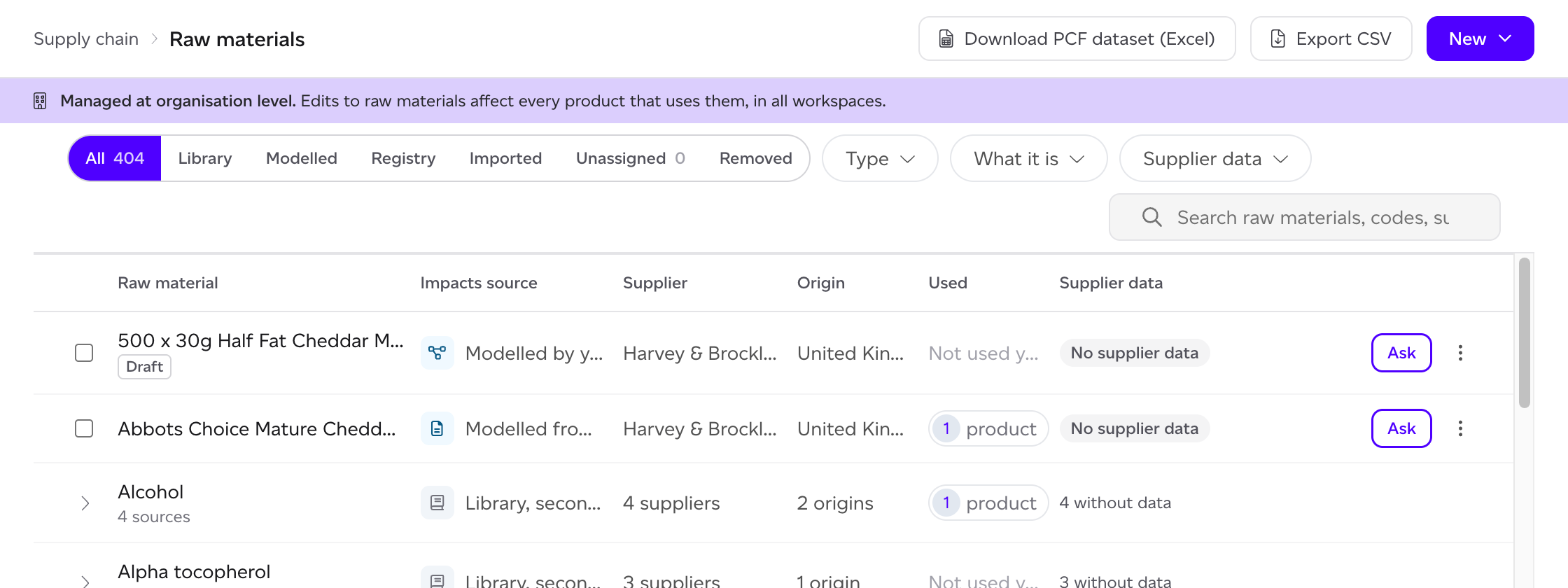
Click Download PCF dataset (Excel) at the top of Supply chain > Raw materials. On a plan without product models it is at the top of Registry > Purchased raw materials, and covers the items you imported there. Anyone who can open the list can download it. It is not offered on the Unassigned or Removed views.
What is in it
- Items: one row per raw material, with your item code and the supplier's, the supplier, whether it is an ingredient or packaging, its category and origin, its declared unit and kg per unit, and its climate figure per kg (GWP100) split into energy and industry, FLAG total, land use change and land management, and removals. Beside the figure: its source (the supplier's PCF, calculated from supplier data, or secondary data), the publisher or dataset, the database, methodology and system boundary, the reference year and the date it is valid until, the geography, the data tier, whether it is primary data, its DQR, its assurance level, its status and its Registry or verify link.
- Data dictionary: what each column means.
- Exceptions: the items with no data, with expired data, with a draft model or with a supplier answer waiting for your review, and the reason for each.
Which figure it gives
Each figure is the one a calculation would use, by the same rules:
- A supplier's record comes before the dataset, with the FLAG split scaled to its total.
- A library ingredient takes its dataset at its origin.
- A good you model, or a good bound to a Registry listing, takes its own figure per kg, and the bound good says whose figure it is and how it was made.
- A supplier figure for climate change alone says it is climate only.
Packaging
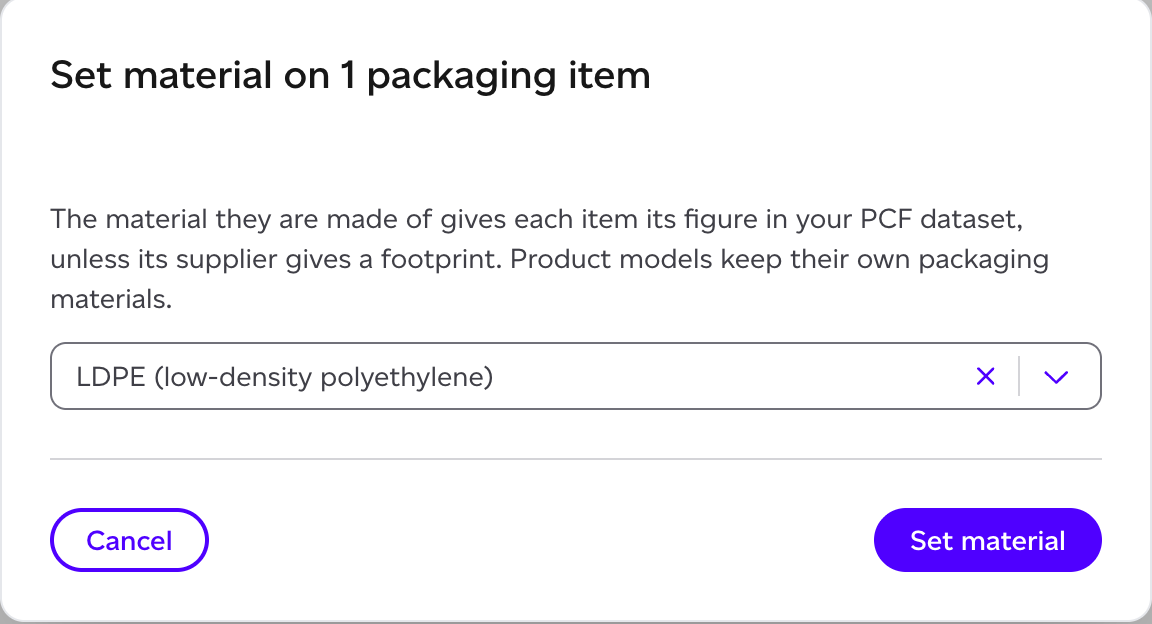
Packaging is footprinted by what it is made of: the material's datasets, to the factory gate. A packaging type, and a packaging item you imported, take their Material on their panel in Supply chain > Raw materials; imported packaging items can also take one for a whole selection with Set material. A packaging item with no material and no supplier footprint is listed under Exceptions. See How do I manage raw materials?
A supplier may give a packaging item's figure per item rather than per kg. They then give the weight of one item, and the review of their answer shows the Weight of one item and the Per kg figure it comes to; that per kg figure is the one in the dataset. Until they give the weight, the review says the per kg figure cannot be given. See How do I use what a supplier sends?